1. Navigate to https://owner.orders2me.com/

2. Click this icon.

3. Click "Settings"

4. Click "Plan Your Holidays / Set Special Hours"

5. Click The Plus Sign Icon.

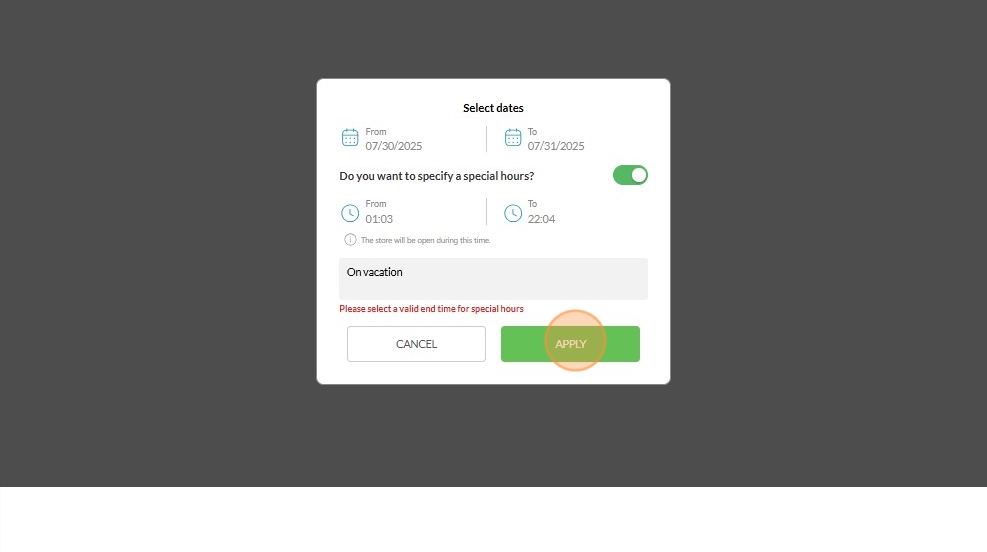
6. Select Dates

7. Toggle to Enable the hours (Optional)

8. Set the time

9. Click "SAVE"

10. You Can Type in the "Reason" (Optional)

11. Click "APPLY"