
1. Navigate to https://owner.orders2me.com/

2. Click this icon.

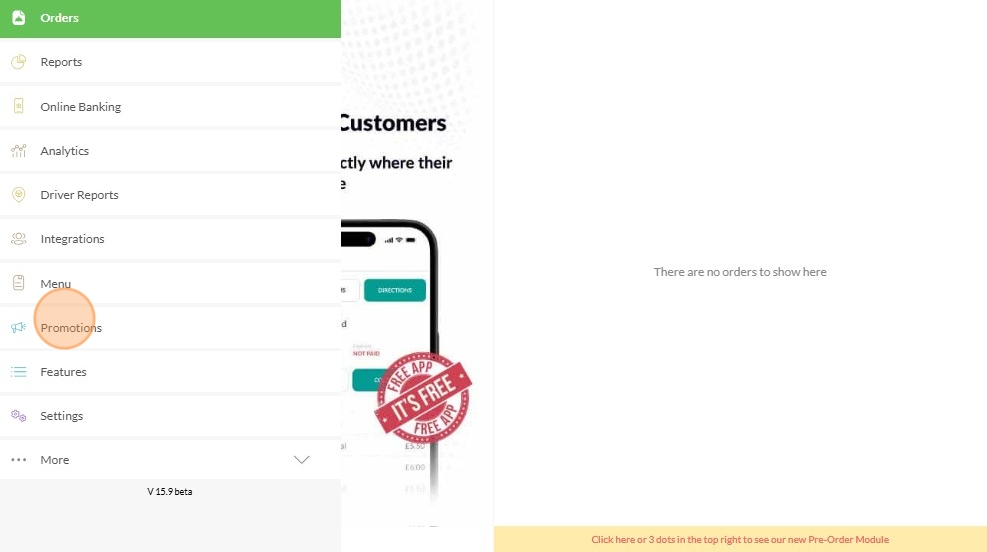
3. Click "Promotions"
4. Click "Coupons"

5. Click "Create Coupon"

6. Coupon Code is given by default but you can Create your own Code

7. Click or Toggle the "Coupon for Item"

8. Click the drop down arrow under Required Items

9. Choose the item/s you required for them to get a free item

10. Click "+ Add Item" if you required more

11. Under "Free Item" Click drop down arrow to select the free item

12. Click the Pencil Icon on the upper right corner to SAVE

Made with Scribe