
1. Navigate to https://owner.orders2me.com

2. Click here.

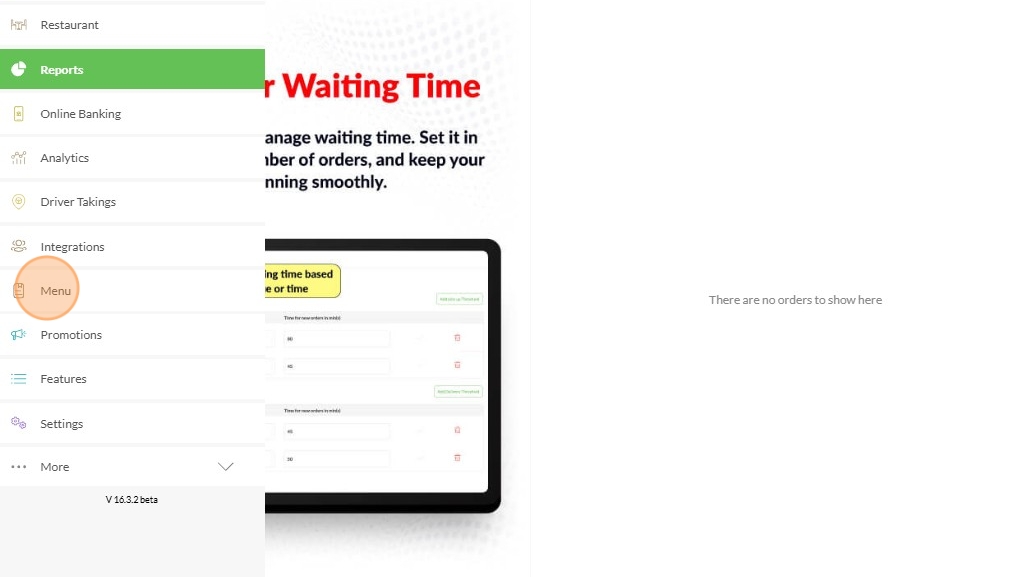
3. Click "Menu"
4. Click "Edit Menu"

5. Click "Items"

6. Select the Item/s you want and click the "Arrow" icon and will show you some options

7. Choose from "Available" > "Unavailable Today" > "Unavailable Until" or "Sold Out"

Made with Scribe