
1. Navigate to https://owner.orders2me.com

2. Click this icon.
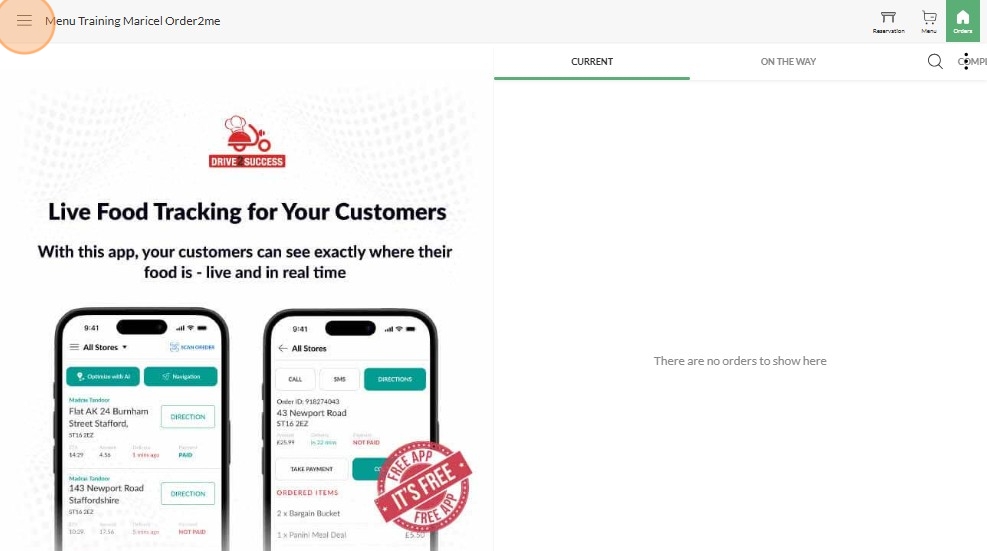
3. Click "Menu"

4. Click "Edit Menu"

5. Click "Categories"

6. Type in the Search Box the Category Name

7. Click "Edit" on the Item that you wanted to add an Option/Modifier

8. Click "Add Modifier Group"

9. Sample Modifier Name (Extra Sauce) then Toggle to enable if its Required or Not and Click "CREATE" below

10. Click "Extra Sauce" to Add the Options for Extra Sauce

11. Click "+Add Modifier"

12. Type in the Options for Extra Sauce (Extra BBQ Sauce)

13. Type in the Price (if there is) and Click "CREATE"

14. Make sure to Click "SAVE"
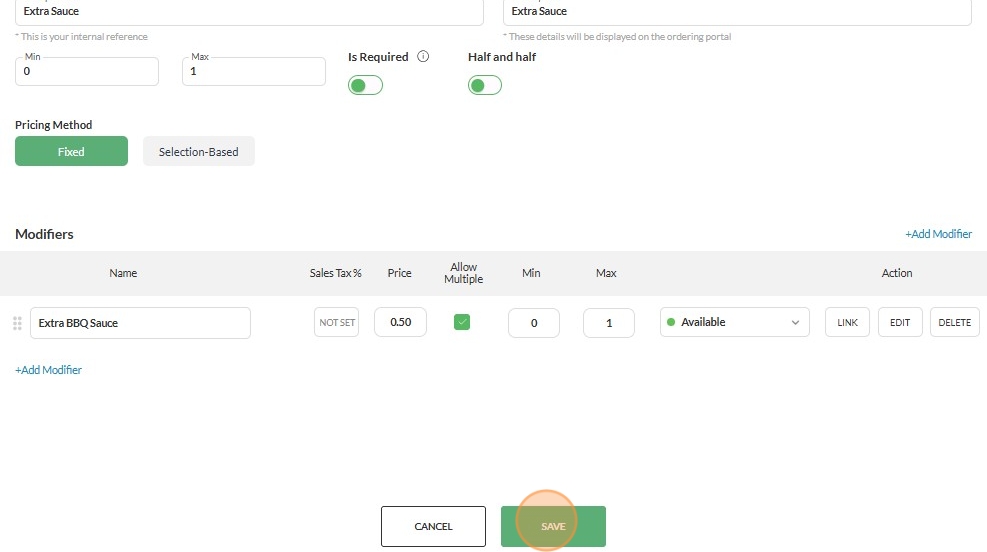
15. And Click "SAVE" below as well

16. Go To "PREVIEW WEBSITE"

17. Click "STARTERS" (Category where your options added)

18. Click the name of the Item where you added the Options

19. Sample Modifier "Extra Sauce" is now visible on online ordering
